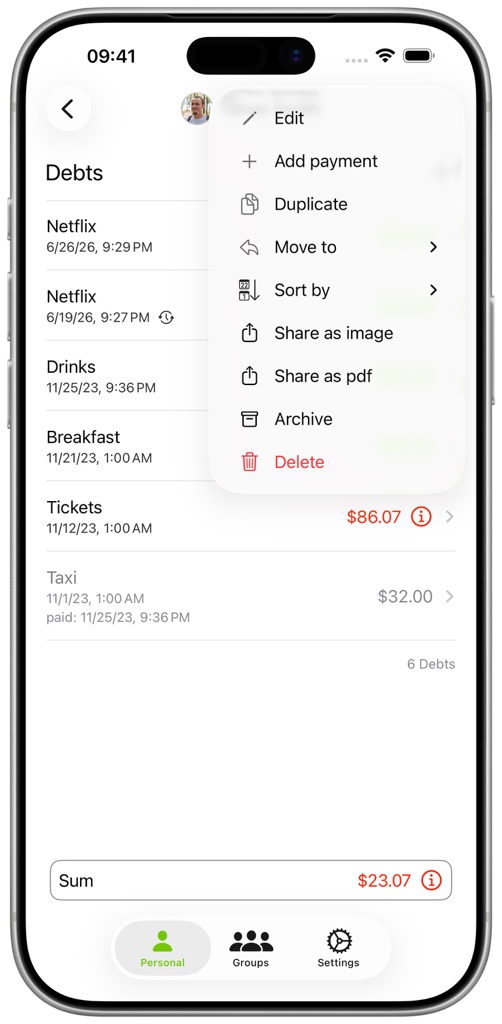
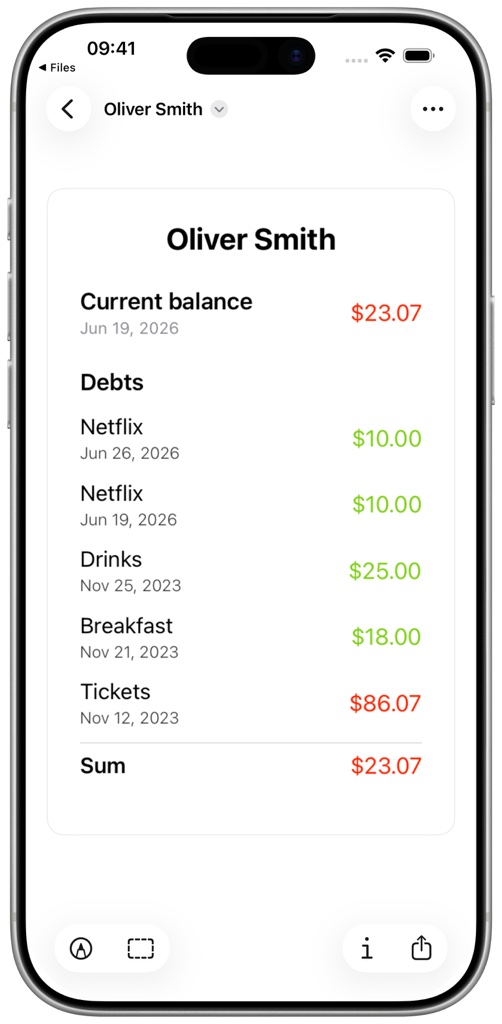
Open a folder or person and select the three-dot menu. Choose Share as Image for a quick visual overview or Share as PDF for a printable document.
The Export section in Settings controls whether paid entries are included, how dates are displayed, and whether amount colors are reversed for the recipient's perspective.